The Short Version
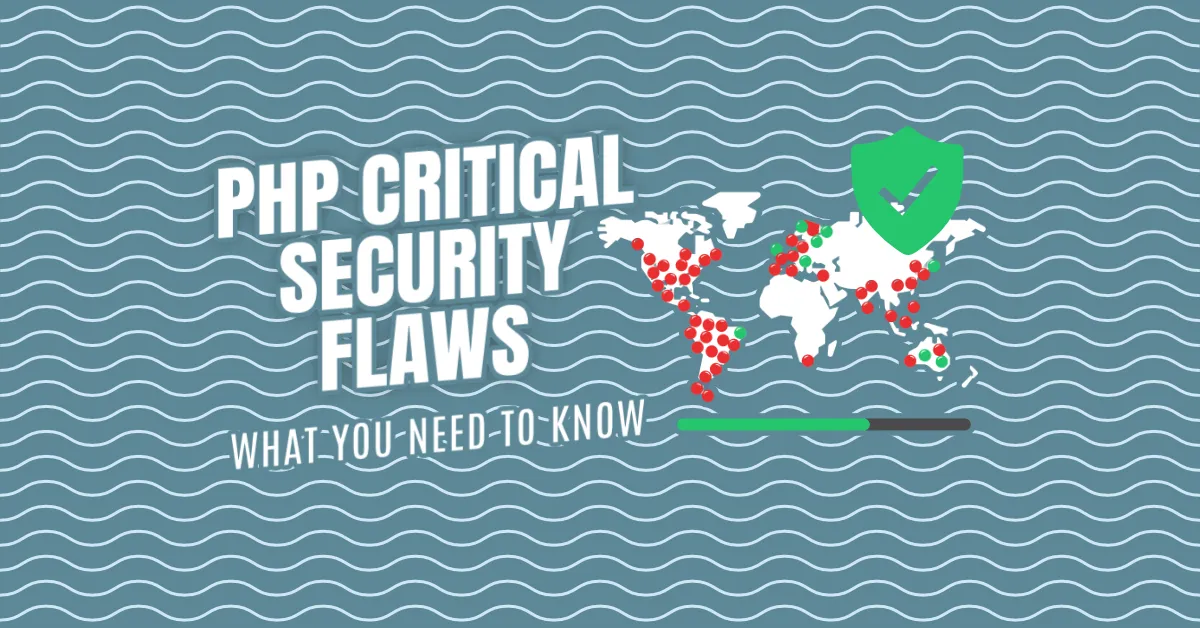
On October 21, 2026, the PHP team released emergency updates for two critical security vulnerabilities. Tracked as CVE-2026-109618 and CVE-2026-109619, these flaws — collectively dubbed “PHP 2 Shell” — affect every PHP version going back to 5.4 (released in 2012). That’s roughly 14 years of the web.
The PHP team rated the severity 9.2 out of 10. Security researchers at Wiz compared it to Heartbleed and Log4Shell, two of the most infamous bugs in internet history.
If you run a website, you need to update PHP immediately. There are no complete workarounds. Updating is the only safe option.
What Actually Happened?
Here’s the thing about PHP: it powers about 7 out of 10 websites. WordPress, Wikipedia, countless online shops, government portals — they all run on PHP. Most people have never heard of it, but almost everyone uses it every day.
Think of PHP like a busy restaurant kitchen. One cook, one counter, handling order after order all night. That’s how PHP handles web traffic — a single worker process serving request after request.
Now imagine the cook gets completely overwhelmed and walks away mid-order, leaving a mess all over the counter. In PHP terms, that’s an out-of-memory crash. Here’s the bug: when PHP bails out like that, it doesn’t clean up properly. Whatever comes next trusts that mess as if everything were fine.
In the wrong hands, that one mistake is enough to take over the whole kitchen. An attacker could read private data from the server and run their own commands on it. Security folks call this remote code execution, and it’s about as bad as it gets.
Why This One Was Different
Three reasons this bug stood out:
- No login needed. Anyone on the internet can try it.
- It strikes before your website’s code even runs. It doesn’t matter how carefully your site was built. Researchers showed that even a simple “Hello World” page could be vulnerable.
- It lives inside PHP itself. Every version going back to 5.4 (2012) had it.
The Timeline: How a Quiet Fix Became a Crisis
This reads like a thriller.
August 2026: Two separate research teams found these bugs, both with help from advanced AI models. On August 24th, Wiz reported them privately to PHP’s security team. The plan was a coordinated fix with a public announcement set for October 22nd.
October 17th: Amazon’s security team spotted someone already trying to exploit it on their decoy servers — four days early.
October 20th: The details leaked on social media. The race was on.
October 21st, 2:00 PM UTC: PHP shipped emergency updates. Almost immediately, real attacks were seen in the wild.
Two days later: Palo Alto Networks reported a break-in at a European government body. Attackers stole password data and two-factor secrets within two hours.
Governments in the Netherlands, Finland, and Austria did something extraordinary — they switched off their own websites. Not because they’d been hacked, but because there was no fix yet. Even the Wikimedia Foundation took some systems down. Cloudflare rushed out emergency firewall rules hours before an official patch existed.
The Uncomfortable Truth About Official Fixes
Here’s the part that should worry you: official fixes only exist for PHP 8.2 and newer.
According to one analysis, around 59% of internet-facing PHP servers run older versions that won’t get an official patch at all. Estimates of how many machines are exposed range from over 1 million to more than 20 million. Many of them may never be fixed.
The PHP Foundation — the small nonprofit that maintains PHP — received about $680,000 in donations in 2024 to care for software that runs most of the web. Let that sink in.
What You Should Do Right Now
If You Run a Dedicated Server (VPS, Cloud Instance, Bare Metal)
Step 1: Check your PHP version
php -vStep 2: Update to the latest patched release
For Ubuntu/Debian:
sudo apt update && sudo apt upgrade phpFor CentOS/RHEL/AlmaLinux:
sudo dnf update phpFor Alpine Linux:
apk update && apk upgrade phpStep 3: Restart every PHP process
sudo systemctl restart php-fpm
# Or if using Apache:
sudo systemctl restart apache2
# Or Nginx with PHP-FPM:
sudo systemctl restart nginx php-fpm
Step 4: Verify the patch
php -v
# Should show a patched version like 8.2.x, 8.3.x, or 8.4.x with the security fix
Step 5: Check your logs for suspicious activity
Look for unusual POST requests, file uploads, or processes you don’t recognize.
If You’re on Shared Hosting (cPanel, Plesk, Managed WordPress, etc.)
The short answer: Your hosting provider should handle this.
Most reputable shared hosting companies (SiteGround, WP Engine, Kinsta, Bluehost, HostGator, A2 Hosting, InMotion, DreamHost, and many others) have already applied or are actively applying the patches at the server level. You don’t need to do anything on your end — there’s no PHP version selector in your cPanel that you can toggle.
But you should still:
- Contact your host’s support and ask: “Have you patched PHP for CVE-2026-109618 and CVE-2026-109619?” Get confirmation in writing.
- Update your applications. WordPress, plugins, themes, and any other PHP software should be current. The PHP patch protects the engine; your app updates protect the code running on it.
- Enable 2FA everywhere. If a server does leak data, unique passwords and two-factor authentication are what protect your accounts.
- Monitor for odd behavior. If your site suddenly slows down, shows strange errors, or you see unknown admin users, contact support immediately.
What if your host says “we don’t update PHP on shared plans”?
Switch hosts. Seriously. A host that won’t patch a 9.2/10 vulnerability isn’t a host you can trust with your data.
If You’re Stuck on an Older PHP Version (Pre-8.2)
This is the hard part. Official patches don’t exist for PHP 8.1, 8.0, 7.4, 7.x, or 5.x.
Your options, in order of preference:
- Upgrade PHP. This is the only real fix. Yes, it might break old code. Yes, it takes work. Do it anyway.
- Get a backported fix from your hosting provider. Some hosts (especially managed WordPress hosts) maintain their own PHP builds and will backport security fixes. Ask.
- Use a WAF (Web Application Firewall). Cloudflare, Sucuri, and others have rules that can block exploit attempts. This is a band-aid, not a cure.
- Take the site offline until you can upgrade. If the site handles sensitive data, this might be the responsible choice.
Be extremely careful with “exploit code” floating around online. Some of it is fake and loaded with malware. Don’t download random scripts claiming to test or fix this.
If You Just Use Websites (Not a Site Owner)
There’s nothing to install. But:
- Use unique passwords for every site
- Turn on two-factor authentication wherever possible
- Use a password manager (Bitwarden, 1Password, KeePass)
When a server leaks, that’s what protects you.
The Bigger Picture
PHP 2 Shell is a reminder that the internet runs on shared, invisible foundations. When one of them cracks, everyone feels it.
AI didn’t just help find these bugs — it changed the economics of finding them. In Wiz’s words, a single researcher completed in a week what previously would have taken a world-class team months of work. And if AI makes bugs this cheap to find for defenders, it makes them just as cheap for attackers.
A PHP developer had actually spotted this back in 2024. It was never fixed, partly because no one had proven it could be exploited. Open source runs on volunteers and shoestring budgets. The software running most of the web got $680,000 in donations last year.
Stay curious. Stay patched.
Quick Reference Card
| Situation | Action |
|---|---|
| Dedicated server / VPS / Cloud | apt update && apt upgrade php (or distro equivalent), restart PHP-FPM/Apache/Nginx |
| Shared hosting | Contact support, confirm patch applied, update WordPress/plugins |
| PHP 8.1 or older | Upgrade PHP immediately; ask host for backport; use WAF as last resort |
| Regular internet user | Unique passwords + 2FA on all accounts |
Resources
- PHP Official Announcement — Official PHP security advisory
- CVE-2026-109618 Details — MITRE CVE entry
- CVE-2026-109619 Details — MITRE CVE entry
- Wiz Research Blog — Technical deep-dive from the researchers who found it
- Cloudflare Blog — Emergency WAF rules and analysis
The information here is accurate as of October 27, 2026, but security situations evolve quickly. Always check the official PHP website and your hosting provider for the latest guidance.